Fright Train Controls and Rebinding
Bind inventory, interact, and aim so storms feel fair.
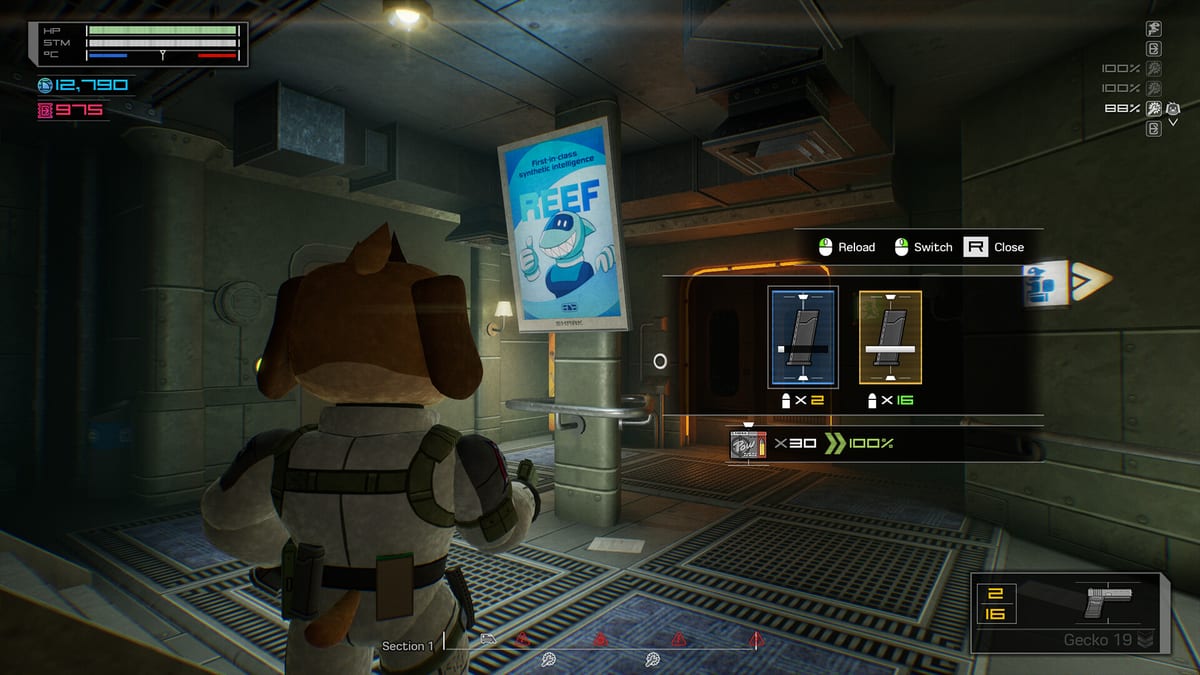
Fright Train supports keyboard/mouse and full controller play with rebinding. This controls guide prioritizes the bindings that decide fights: inventory, interact, sprint, steady aim, and quick item access.
Default labels can vary with patches and locales — always confirm in the in-game options. Use this page as a priority list, then verify on your build.
Core actions to bind deliberately
- Move / look — WASD + mouse is the common precision setup.
- Sprint — often Shift; you need it for roof runs and repositioning mid-storm.
- Interact — usually E; opens containers, terminals, shutters, doors.
- Inventory — commonly Tab; you will open this constantly.
- Fire / aim — standard mouse buttons; add steady aim (often Ctrl) for weak points.
- Lean / adjust — spacebar and related movement assists appear in tutorial prompts for aiming stability.
If any of those fight your muscle memory from other shooters, rebind on day one — not after your third storm death.
Keyboard and mouse vs controller
Hands-on players often prefer mouse and keyboard because inventory drag-and-drop and quick target swaps are snappier under pressure. Controllers are fully supported and comfortable for couch sessions, but auto-aim feel may need tuning. Choose the device that keeps your storm clear times low, not the one that looks cooler on the couch stream.
Inventory-first binding philosophy
You will open inventory to:
- Move magazines to chest slots
- Equip heat pads before exterior work
- Seat antifreeze for terminals
- Double-click loot during calm windows
That means inventory cannot share an awkward chord with sprint or interact. Put it on a large, reliable key. After rebinding, practice a dry run: walk a car, open a crate, move a mag, close menu, shoot a dummy target. If that loop feels sticky, fix binds before grinding expeditions. Deeper item rules live in Inventory Management.
Combat binding checklist
- Steady aim reachable without breaking movement entirely.
- Reload / use flows compatible with your weapon hand habits.
- Grenade throw not buried under rarely used emotes.
- Pause/options far from inventory to avoid panic misclicks.
Armored enemies reward precision — see Enemies and Combat and Storms.
Accessibility and comfort
Steam lists camera comfort options, custom volume controls, adjustable difficulty, and playable-without-QTE notes among accessibility features. If motion or audio fatigue hits during long storm sequences, dial these before you blame your aim.
Practice routine (five minutes)
- Rebind inventory/interact/steady aim.
- Loot two containers with double-click transfers.
- Drag a heat pad to a hand slot.
- Open a maintenance terminal and exit cleanly.
- Sprint, stop, steady aim, fire.
Then jump into Getting Started objectives with confidence.
Related tools
Your binds are part of your build. Treat them with the same respect as your shotgun.
Controller-specific notes
If you commit to a pad, map inventory to a face button or long-press you can hit without looking. Keep interact off the same cluster as sprint if you tend to bump both while stressed. Test aim-assist strength in a quiet car before the first storm so you are not discovering soft tracking mid-lock-in. After any Steam Input change, re-run the five-minute practice routine above.
Keyboard layout suggestions
Many agents keep WASD movement, mouse look/fire, Tab inventory, E interact, Shift sprint, and Ctrl steady aim. If that fights another shooter you play daily, prioritize Fright Train’s inventory verb over nostalgia. A single rebound inventory key pays for itself the first time you seat a mag before a vent flood.
After you finish binding
Return to Getting Started and run one expedition whose only grade is “menus felt invisible.” Then harden the kit with Inventory Management and Combat and Storms.
Frequently Asked Questions
Quick answers for Antarctic agents.
Can I rebind keys in Fright Train?
Yes. Controller support and key rebinding shipped through the demo period and remain essential for inventory-heavy play.
What is the most important bind to get right?
Inventory. You open it constantly for mags, heat pads, and antifreeze.
Is mouse aim required?
No, but many agents find mouse faster for inventory plus weak-point aiming. Use what clears storms consistently.
Should I rebind after every patch?
Only if presets reset. Confirm your inventory and steady-aim keys after major updates listed under Updates.